
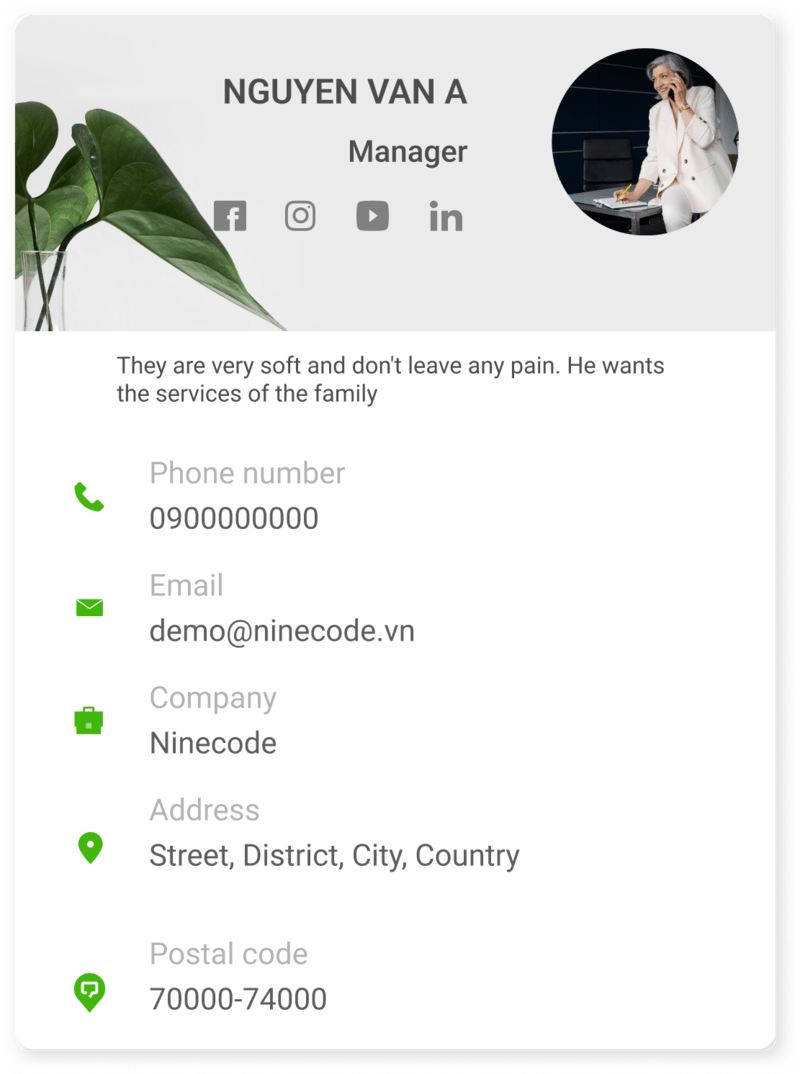
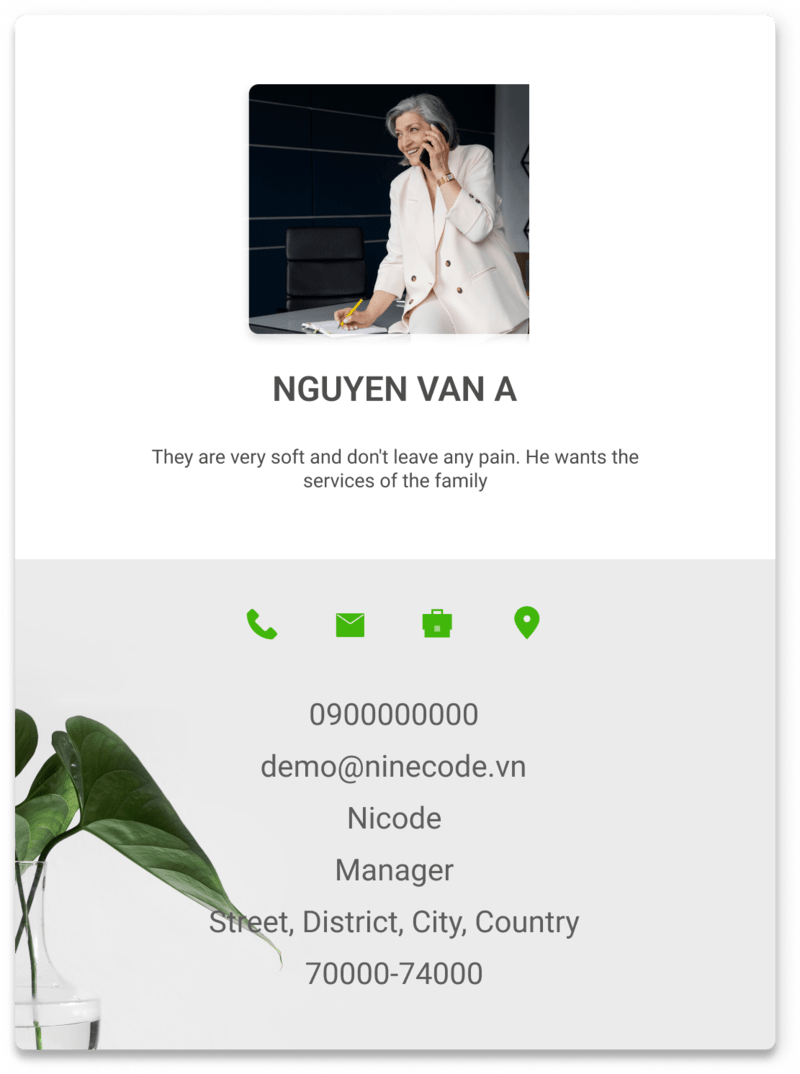
Share it your way
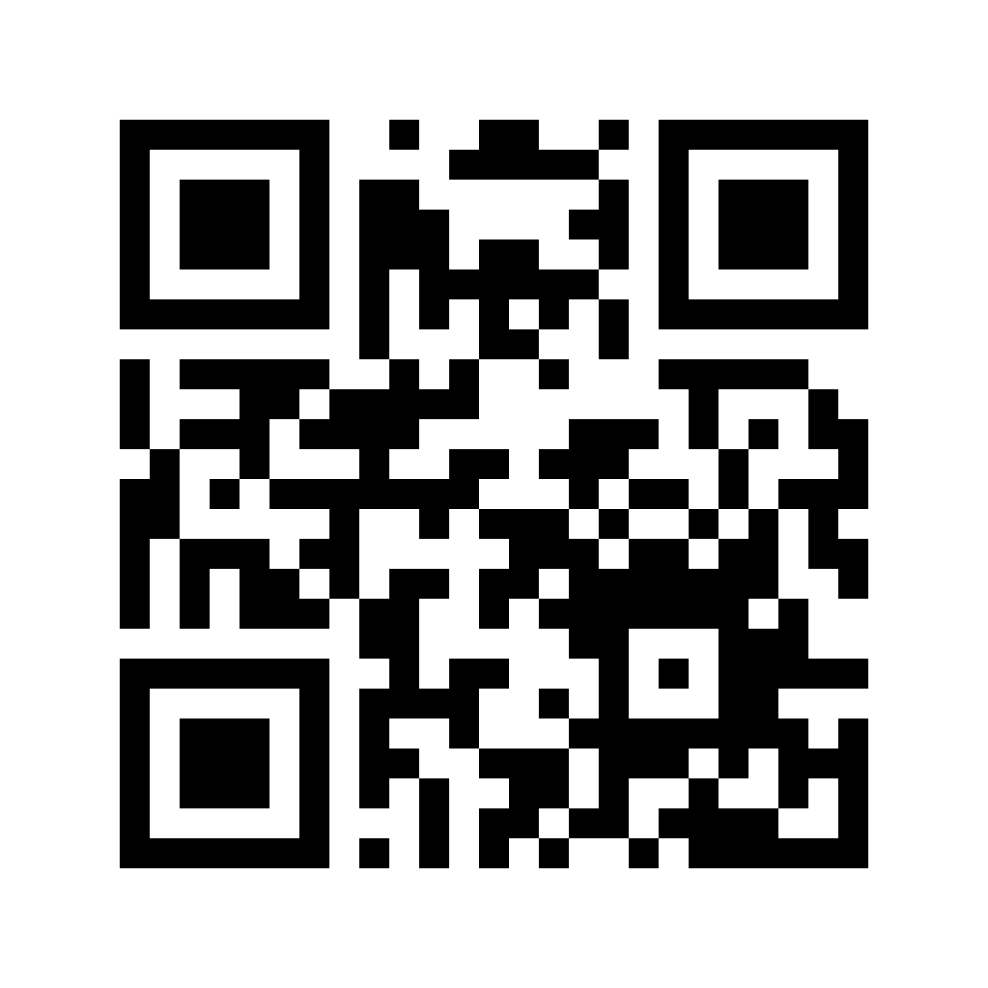
Send a link, scan a QR code, or add Ninecard to paper cards, email signatures, and social profiles.
Build an on-brand online business card, share it with a link or QR code, and update your details anytime—without reprinting.
Free to start · No payment card required


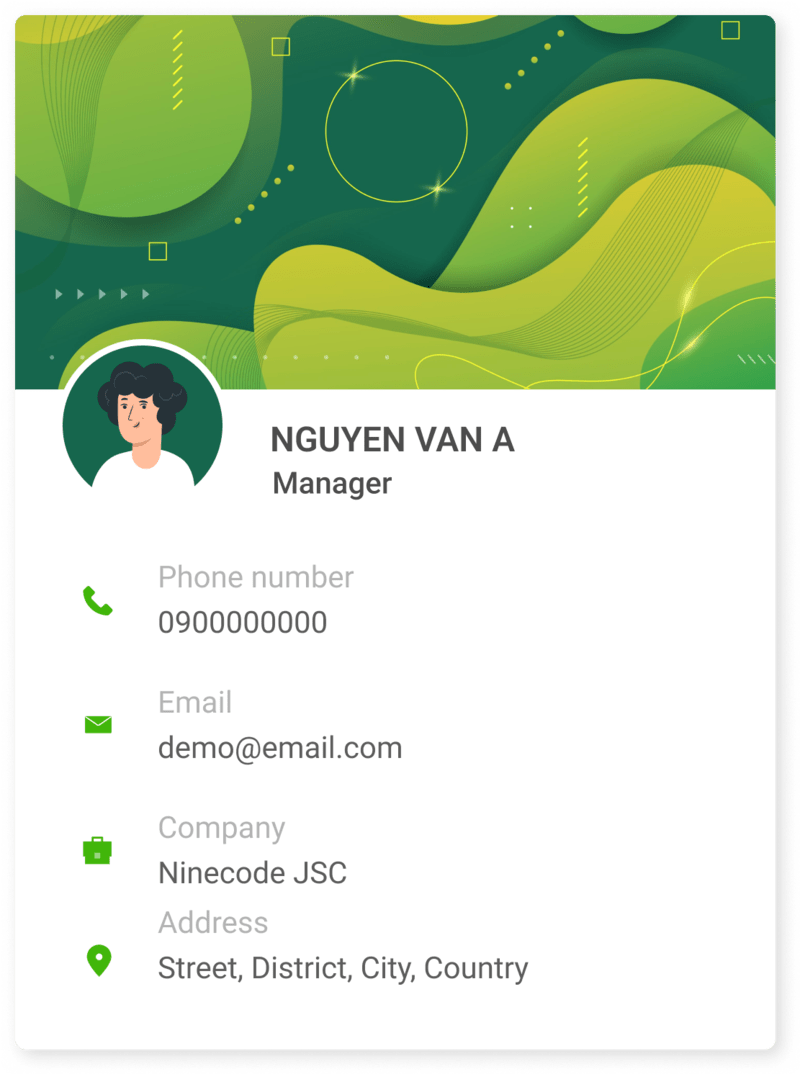
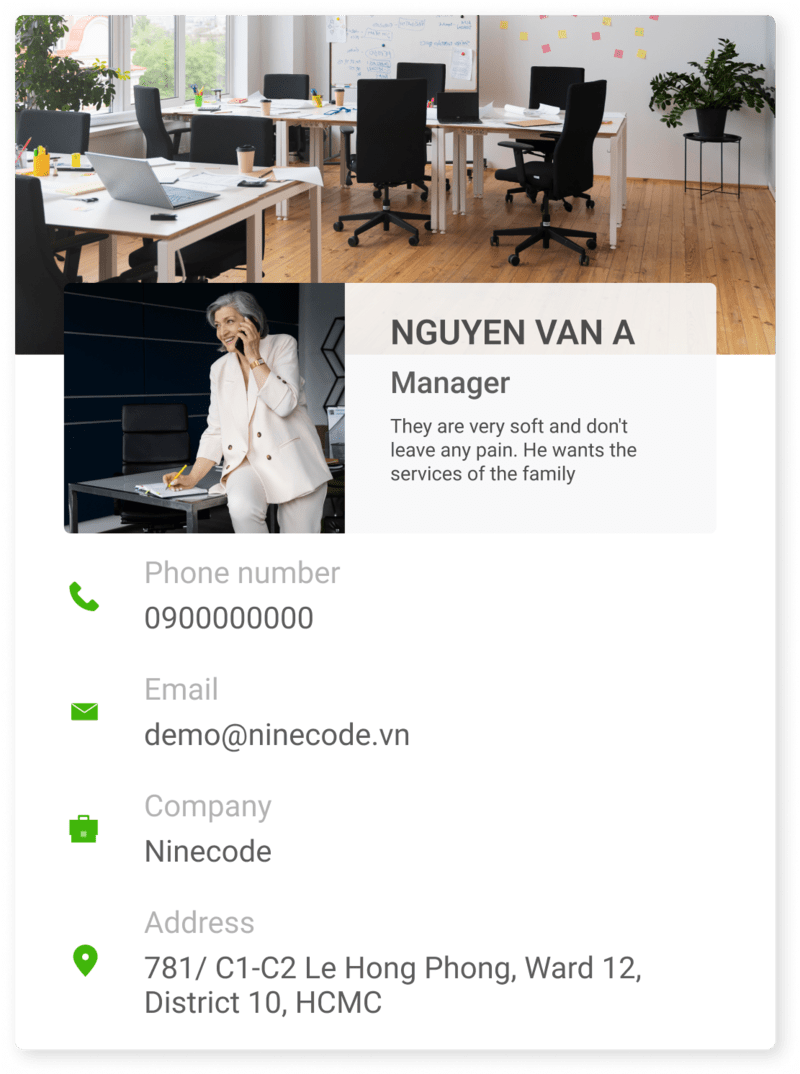
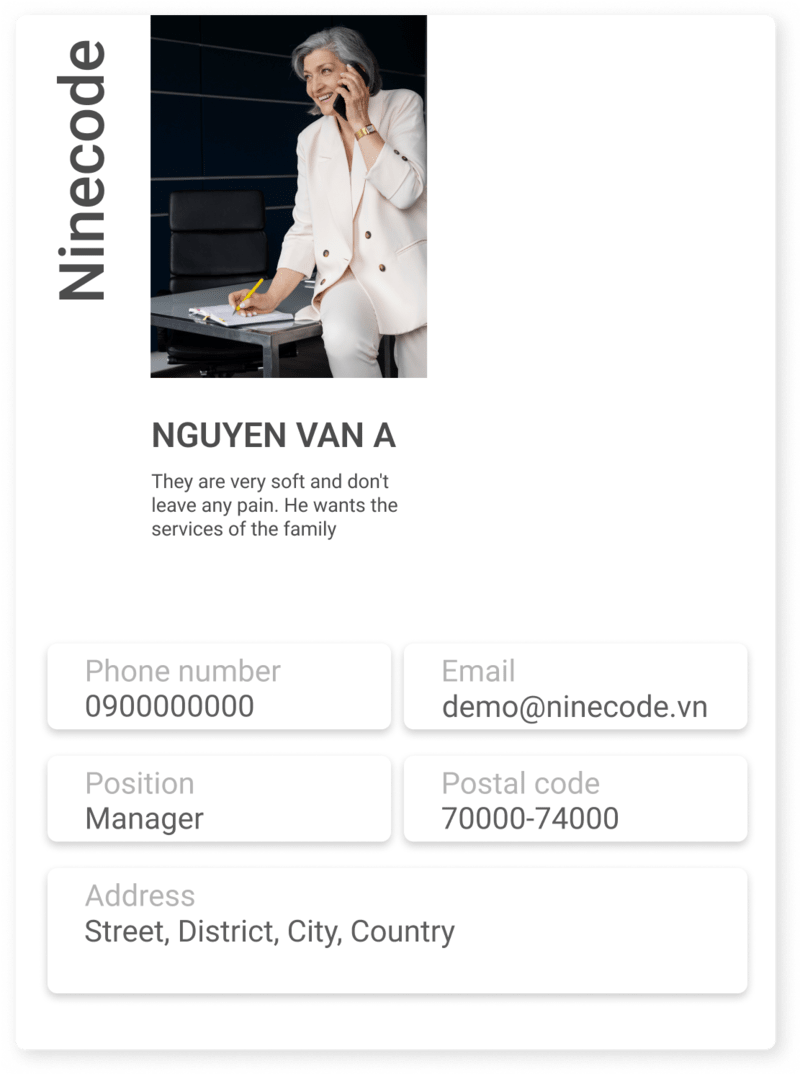
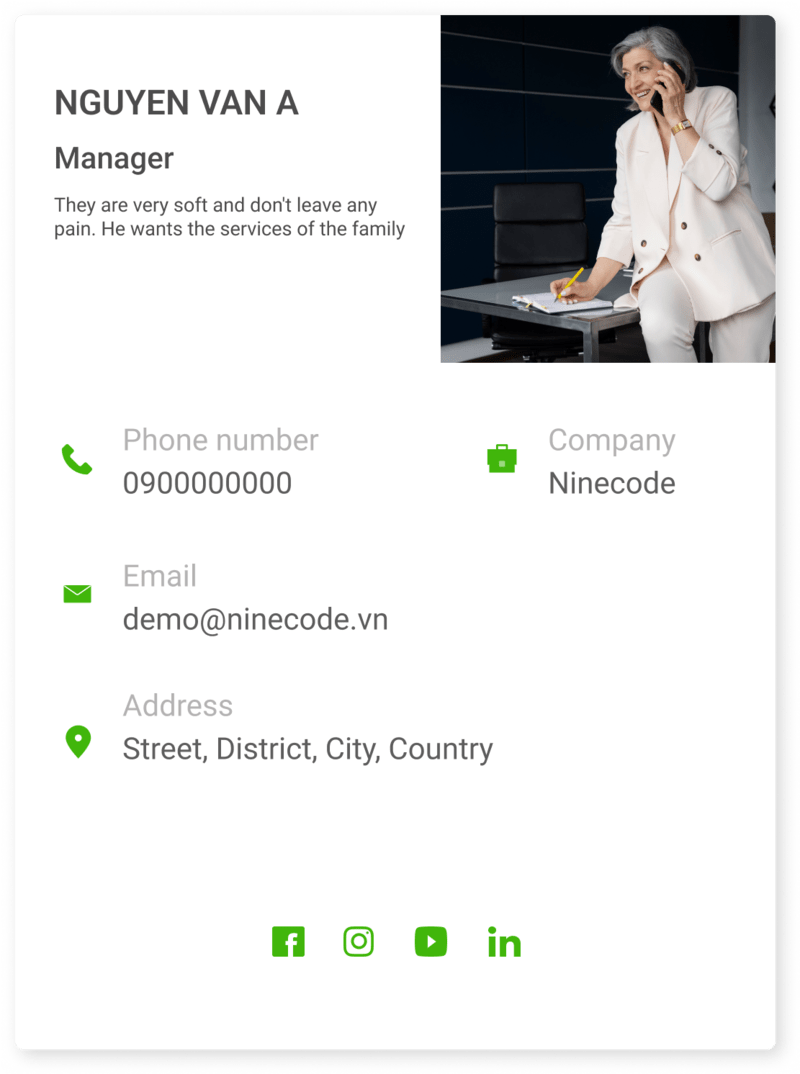
Start quickly with mobile-first templates. Customize the colors, profile image, and details after choosing your design.
Ninecard keeps every introduction consistent, whether you meet in person, connect on social media, or reach out by email.
Send a link, scan a QR code, or add Ninecard to paper cards, email signatures, and social profiles.
Change your phone number, role, or links anytime. Everyone always sees your latest information.
Customize colors, imagery, and content to match your personal style or company brand.
Ninecard is an online digital business card maker, also known as an online card, virtual business card, or online vCard. Each Ninecard brings your contact details, role, company, website, social profiles, and imagery together on one mobile-friendly page. Share it through a link or QR code so people can view and save your details quickly. Unlike a paper card, Ninecard is easy to update, reduces reprinting, and keeps your personal or company brand consistent.
Learn about Ninecard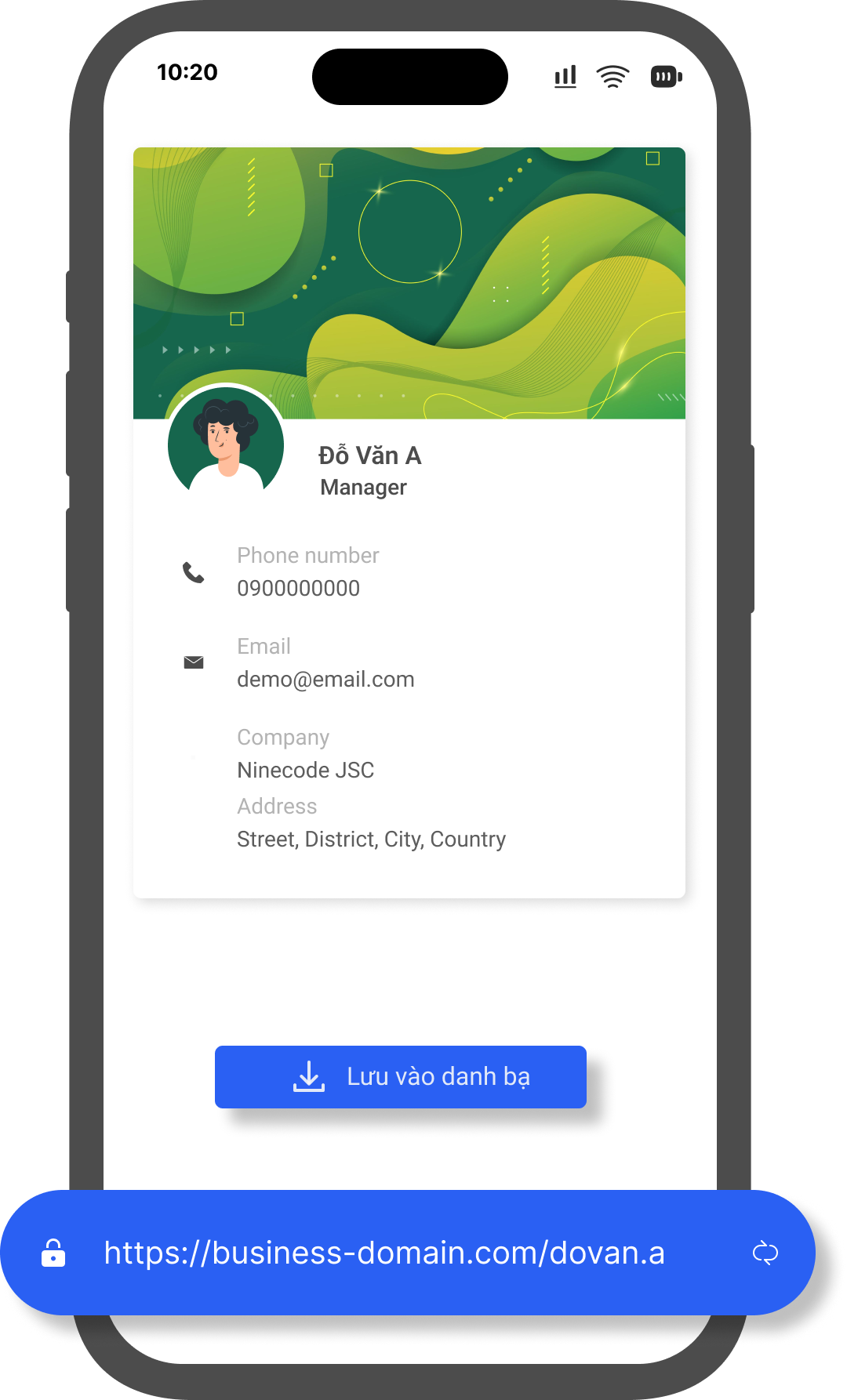
No design skills or app installation needed. Create, share, and let people save your contact details from any browser.
The recipient simply scans the QR on the card or taps the shared link.
They can immediately see all contact and other details shared on the online name card.
With one tap, all details can be saved straight to the phone’s contacts.
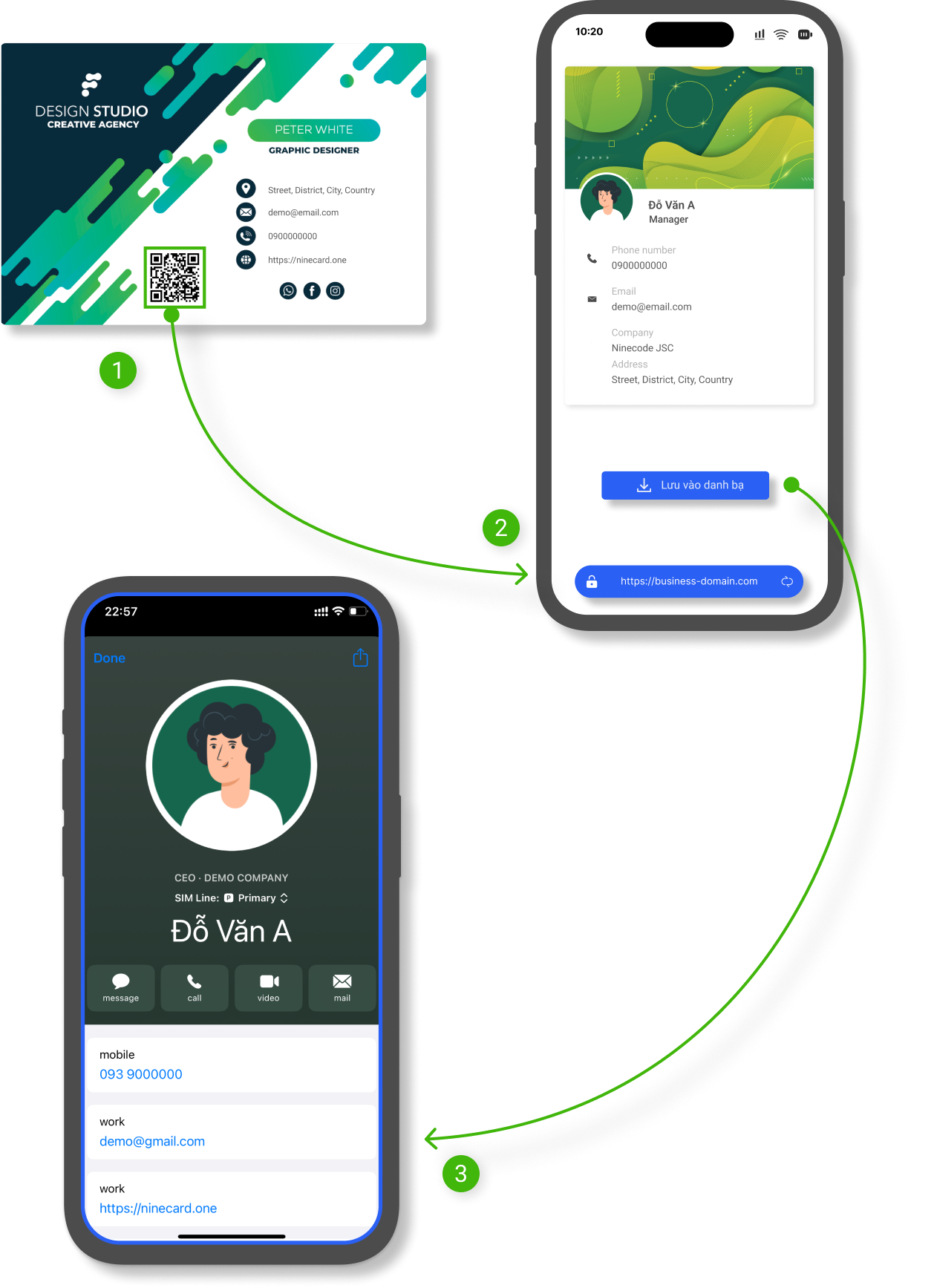
Combining traditional business cards with Ninecard is a major step forward in contact management. While traditional cards feel professional and personal, saving their details to your phone can take time:
Ninecard’s staff verification gives businesses a smart, secure solution. It improves trust in business communication and pairs traditional business cards with online cards seamlessly. Here is how it works:
Each employee’s card has a unique QR code. When scanned, it opens that employee’s online business card with detailed, up-to-date information.
After scanning, users land on the employee’s online card on your company domain—reinforcing authenticity and a clear link to the company.
On the online card, customers can confirm the employee’s identity and role. Typical details include photo, name, title, contact information, and other work-related information.
Customers can be confident they are talking to a real company representative, reducing the risk of impersonation.
A digital business card is an online contact page shared through a link or QR code. Beyond your name and phone number, it can include your role, company, website, social profiles, imagery, and more.
Yes. You can start a Ninecard digital business card for free. Choose a template, add your details, and share it without entering a payment card.
No. Recipients open your link or scan the QR code with their phone to view your Ninecard and save your details to their contacts.
Yes. You can update your information anytime without changing the link or reprinting the QR code you have already shared.
Create a professional digital business card, share it in seconds, and keep your information up to date.